Master Your Domain
200+ programs across 6 cutting-edge technology domains
badge By Role
- AI Engineer
- Data Scientist
- Full Stack Developer
- VLSI Engineer
- EV Design Engineer
- Edge AI Specialist
- Embedded Firmware
- MLOps Architect
category By Domain
- psychology AI & Machine Learning
- analytics Data Science & Analytics
- code Software & Web Development
- memory Embedded Systems & IoT
- developer_board VLSI Design
- electric_car EV & Autonomous
workspace_premium By Skill
All Skills arrow_forwardIndustrial Internships 2026
80% practical · 8+ projects · Pantech × SVNIT dual cert
Hardware Lab Kits
200+ industry-grade lab kits
DIY Kits & Hardware Projects
Build, learn, and ship real projects with curated hardware kits
library_books Resources
Image Processing using OpenCV
Learn image processing fundamentals with OpenCV. Master filtering, transformations, and feature extraction through hands-on projects in 90 days.
Image Processing using OpenCV
Comprehensive Syllabus Outline
A comprehensive curriculum designed to take you from beginner to professional.
Capstone Project
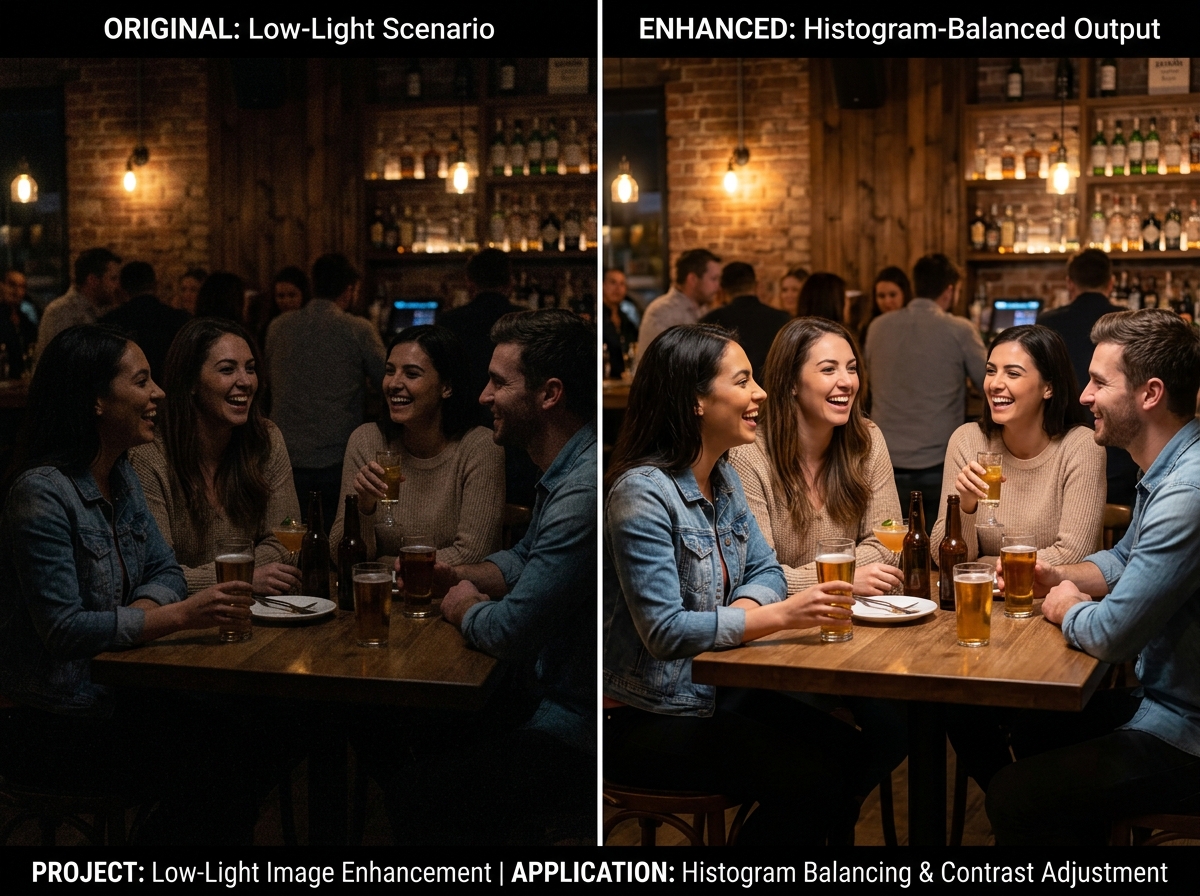
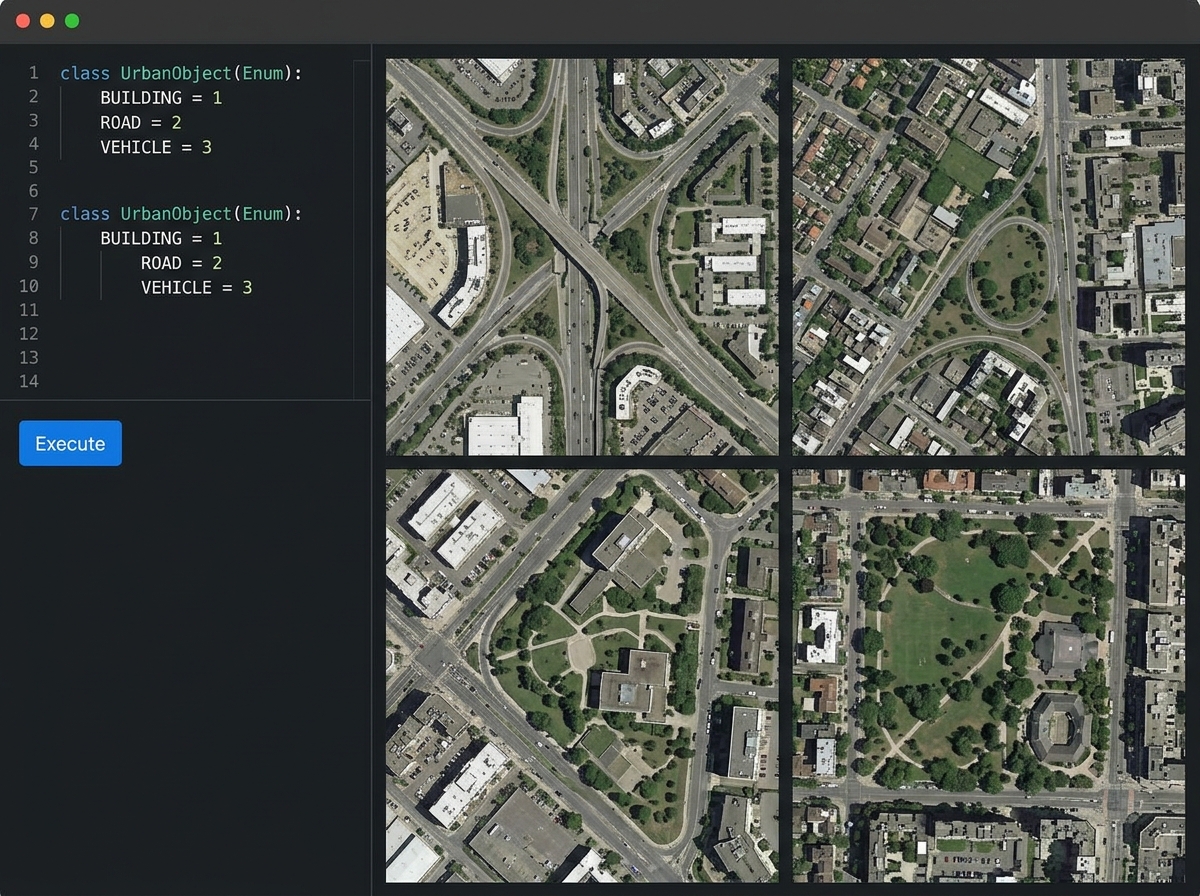
Automated Image Transformation Engine
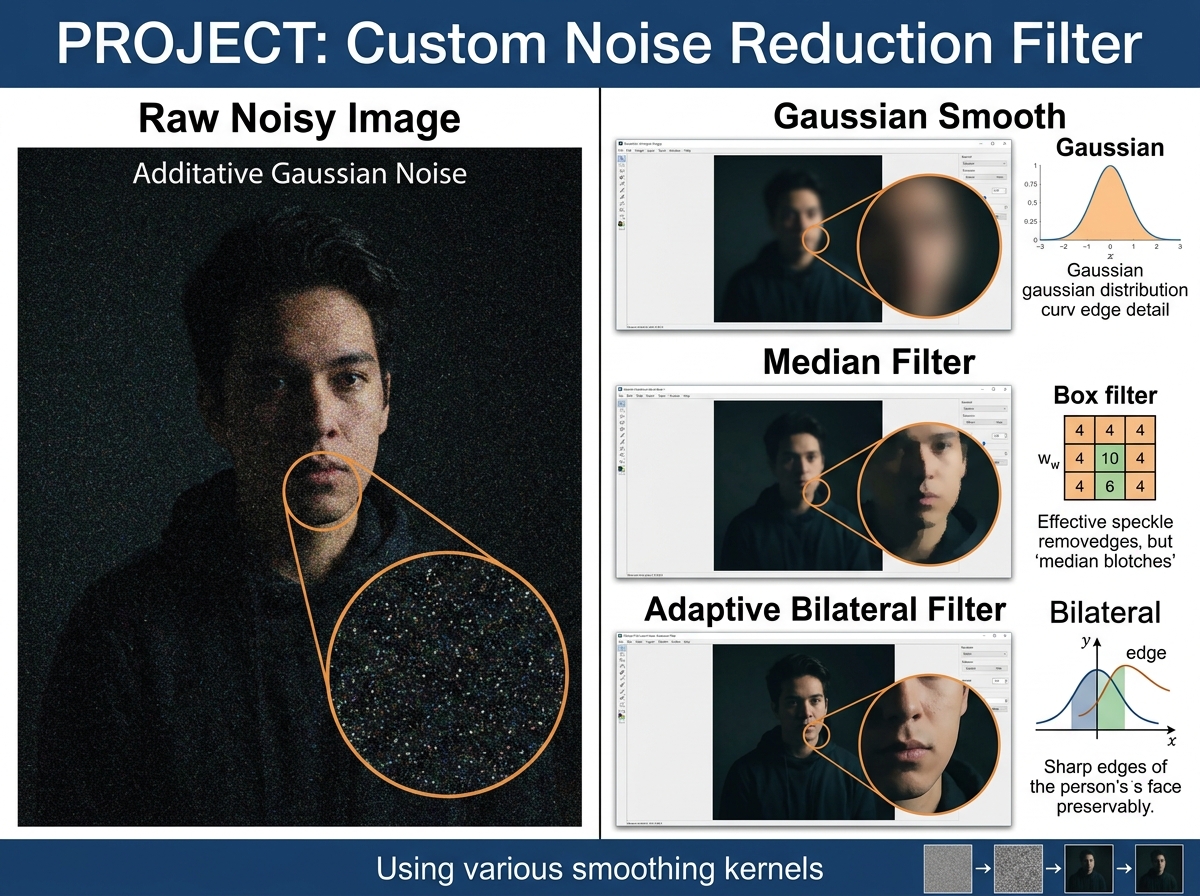
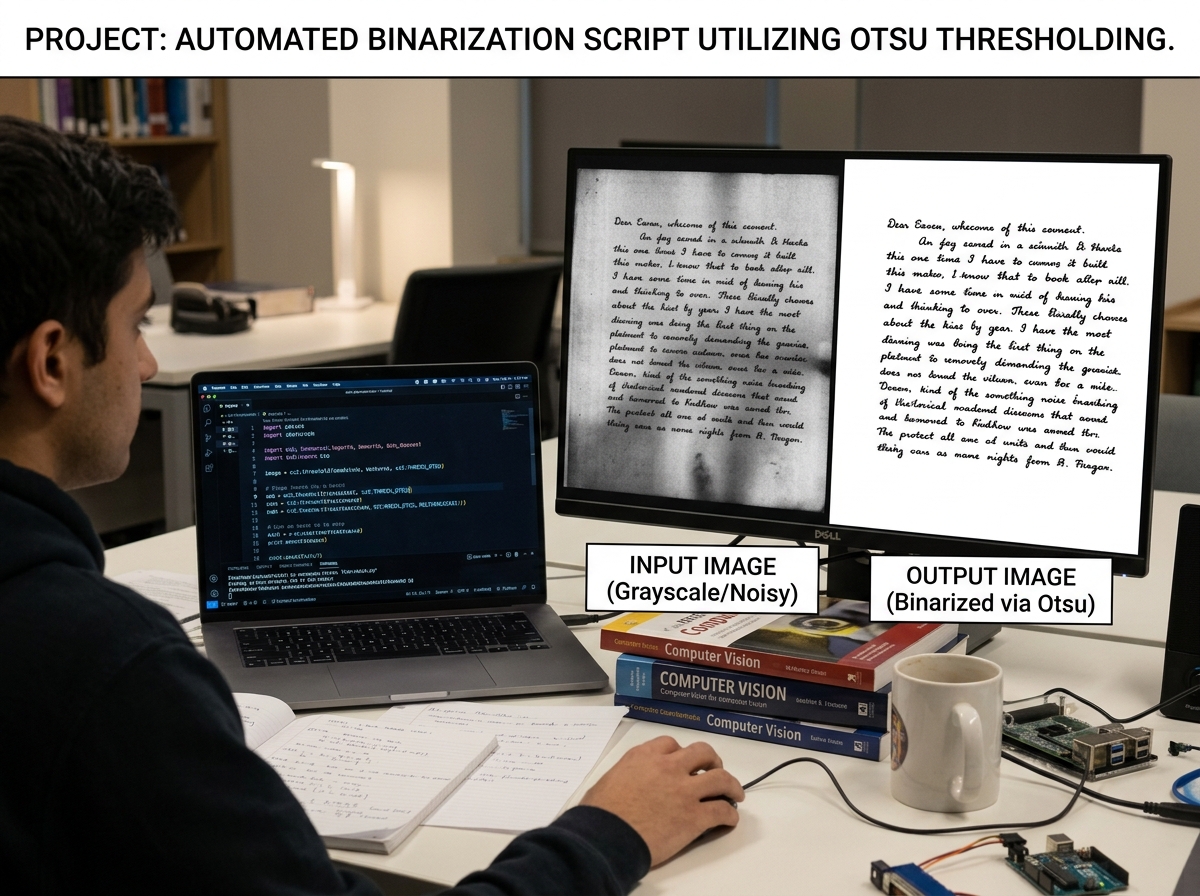
Implement a practical, end-to-end image processing application that takes raw, noisy imagery and transforms it into optimized, segmented data ready for computer vision analysis.
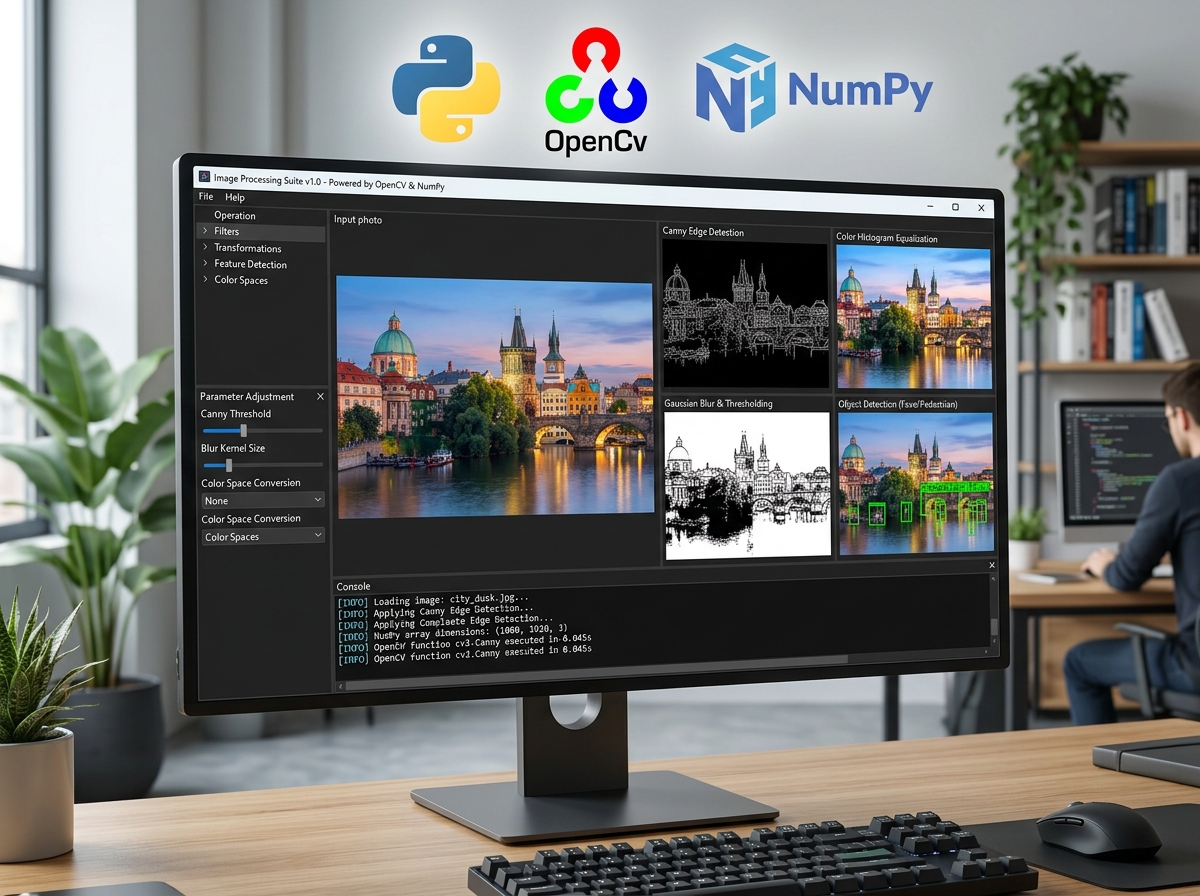
Tech Stack
Master the primary professional software development packages and workflow tools.
After this Course, You will be Able to
Observe the real-world utility outcomes you gain after program completion.
Course Stats
₹12.35 LPA
Average Salary₹42 LPA
Highest Salary135%
Salary Hike7+ Companies
Hiring PartnersCourse Stats
₹12.35 LPA
Average Salary₹42 LPA
Highest Salary135%
Salary Hike7+ Companies
Hiring PartnersKey Features
Mentorship
Receive guidance and insights from industry expertsHands-on Experience
Gain practical skills in a real-world cutting-edge projects.Networking
Connect with professionals and peers in your fieldSkill Development
Enhance your technical and soft skillsCareer Advancement
Boost your resume with valuable experienceDual Certificate
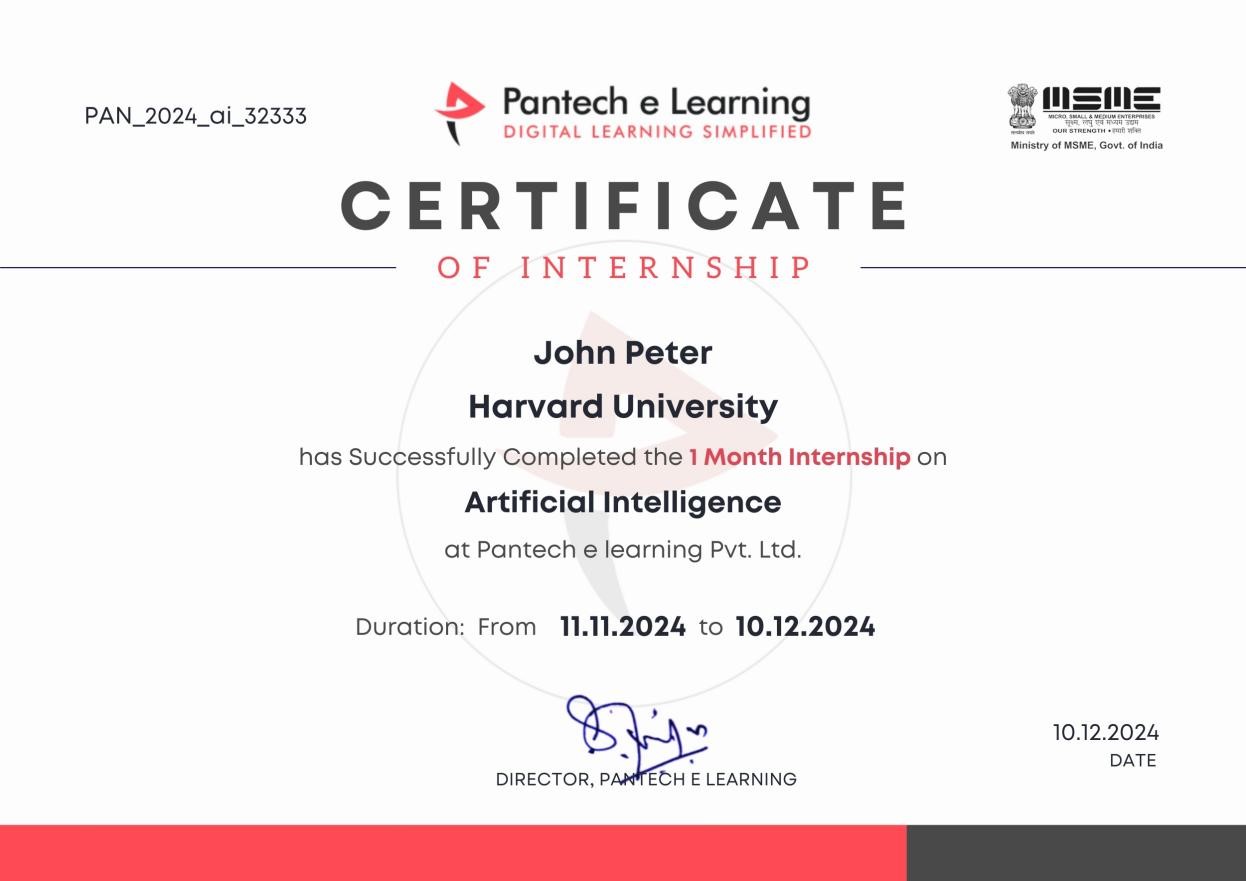
Get a certification to showcase your achievementsLet Your Certificates Speak For You
Our certification formally validates your skill set in recruiter searches with unique QR code verification and LinkedIn-ready structures.
Unique Credential ID & QR Code
Recruiters can scan to instantly verify your project files, source repository, and official completion marks.
Linkedin Certified Recognition
Easily push to your Linkedin profile with 1-click credential linking to increase high-end corporate recruiter views.
Where Our Learners Work
Our alumni are driving innovation at the world's most prestigious technology companies.






Why Pantech?
An expert-crafted learning infrastructure built for technical fluency.
Industrial Expert Mentors
Direct guidance and weekly doubt clearing sessions hosted by hardware, embedded, and software engineering veterans.
24/7 Interactive Support
Ask coding doubts anytime on our student community workspace and receive instant assistance.
Self-Paced Learning Engine
Access lifetime recorded modules with adaptive pacing to balance academics and professional work.
Career Guidance Support
Exclusive resume review, mock interviews, and placement assistance from industry experts.
We are Accredited by
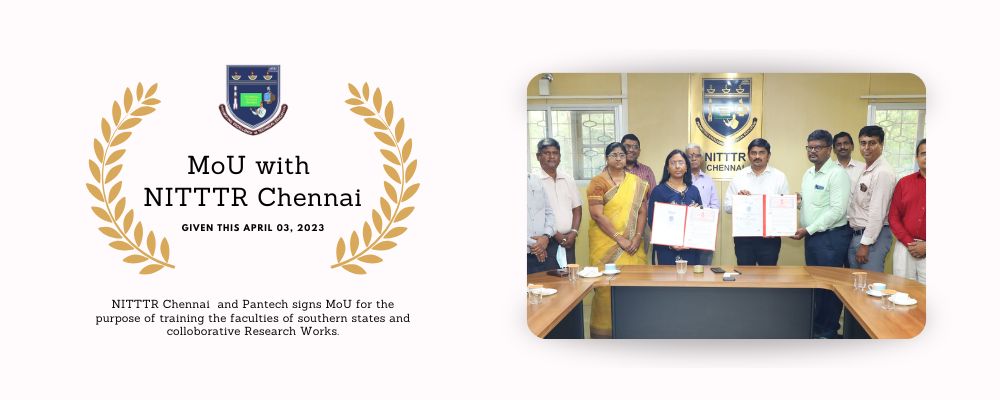
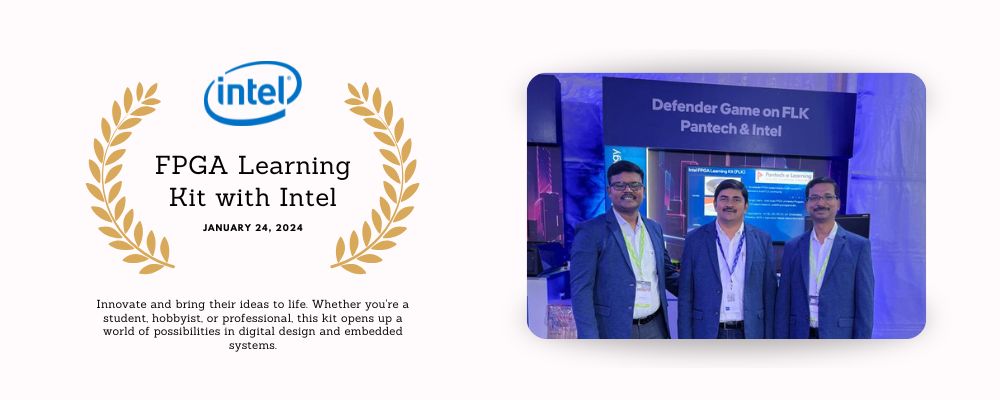
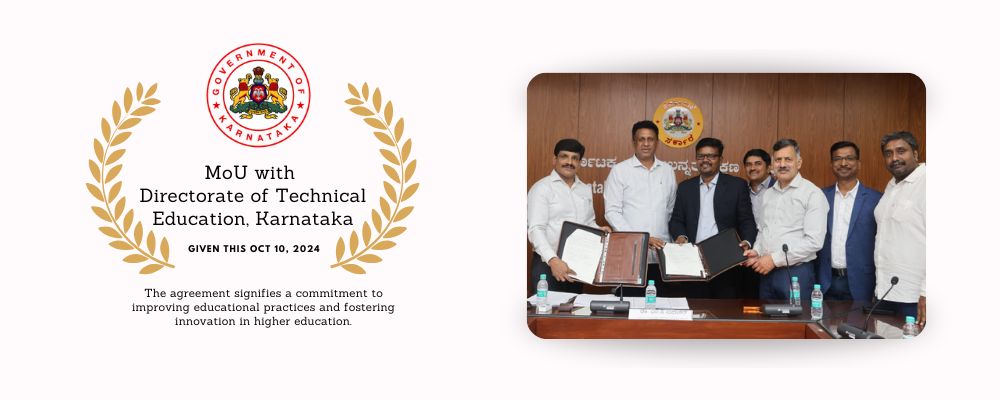
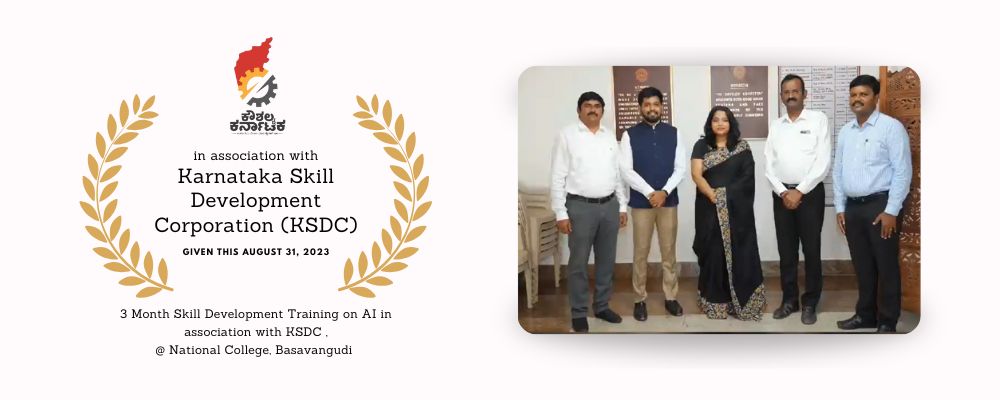
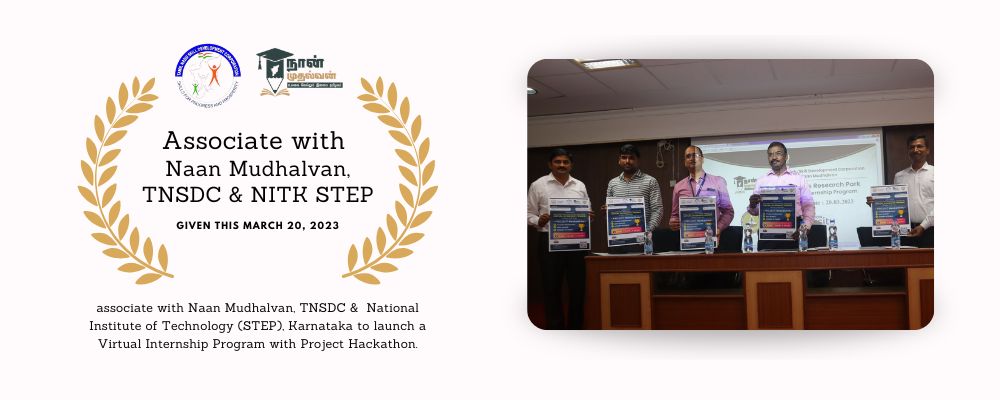
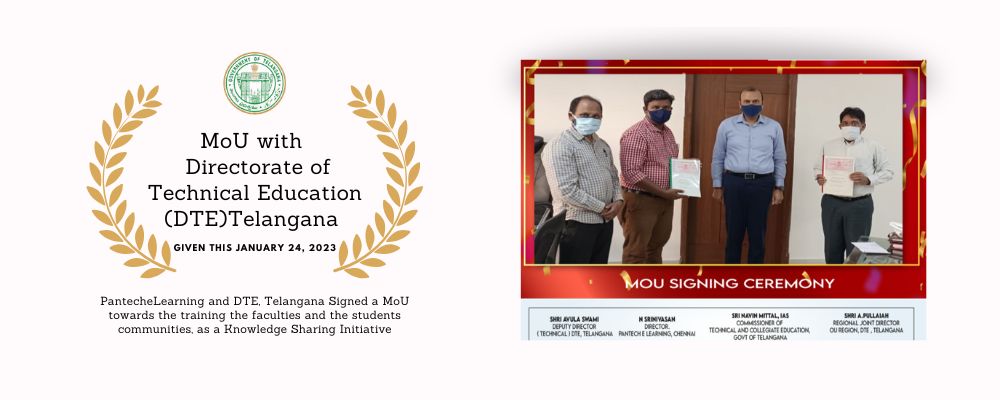
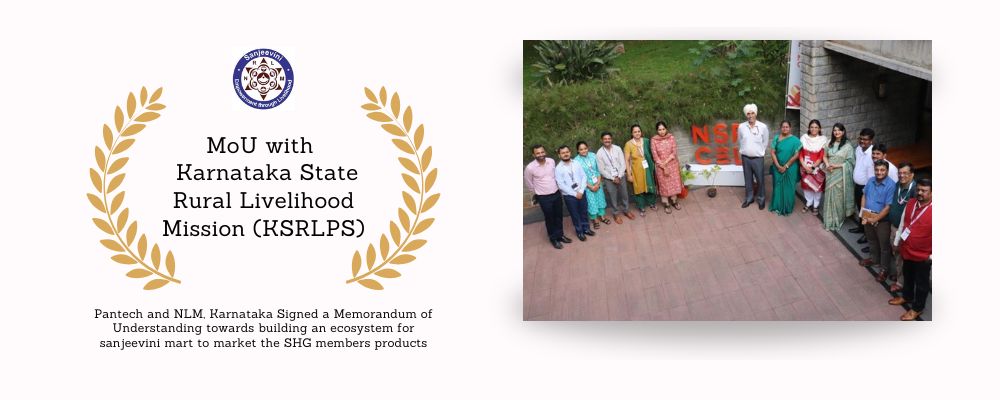
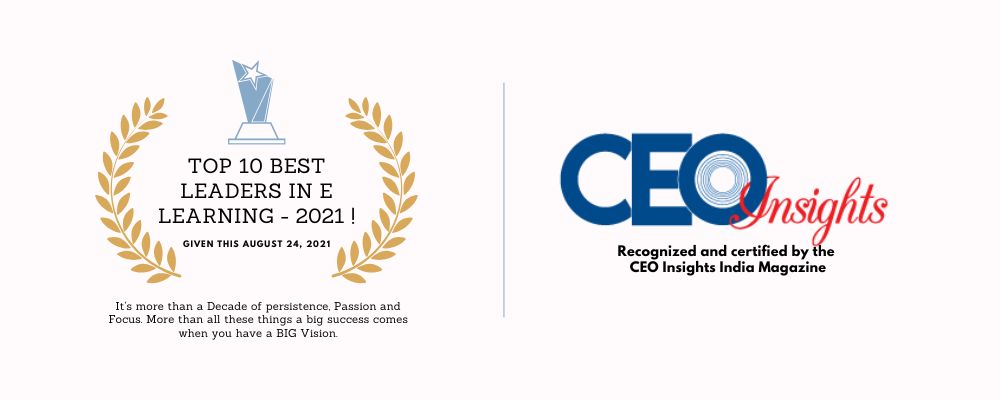
What Our Students Say
See how Pantech courses accelerated career transitions across India.
Student Pantech
VERIFIED LEARNERGet exclusive lifetime access to coursework, simulators, custom templates, and direct placement opportunities.
Need immediate counseling?
+91 8925533488/89
Frequently Asked Questions
Find instant answers to all common questions about our technical certificate courses.
No prior experience is required for foundational courses. Advanced modules may recommend basic knowledge in programming or electronics.
You can reach our support team at training@pantechelearning.com or call +91 89255 334 88 / +91 89255 334 89.
You’ll cover image processing fundamentals with OpenCV, including filtering, transformations, color space conversions, and feature extraction. You’ll gain practical skills through hands‑on projects that apply these techniques to real‑world applications.
The program includes 3 structured modules, designed to be completed within 90 days with guided project work.
Yes, upon completion you’ll receive a verified certification from Pantech eLearning, which can be shared on LinkedIn and with employers.
The Fundamentals of Image Processing using OpenCV course is available for ₹1,499, inclusive of all modules and certification.
Yes, you’ll apply your skills in a guided image processing project, reinforcing concepts and demonstrating practical learning outcomes.
Absolutely. Once enrolled, you’ll have lifetime access to the course videos, notes, and resources.
The course primarily uses Python along with the OpenCV library for image processing implementations.
The curriculum includes smoothing, thresholding, Otsu thresholding, histogram equalization, color conversion, filtering, and drawing operations.
You will work with OpenCV, Python, NumPy, and standard digital image processing techniques used in computer vision applications.
Related Courses
Enhance your skills with these recommended courses carefully selected for your learning journey.