










Home > Courses > Data Science & Analytics

Business Intelligence and Reporting using Power BI

Accelerate your Career

Learn business intelligence and reporting using Power BI. Master interactive dashboards, data modeling, and real-world analytics in 90 days.

Buy this Course @
₹1,499
3 Modules
with Certifications
13:00 Hours
of Recorded Content
0 Ratings
by 0 Learners
English
Language
Paid Course
Get this Course @ ₹1,499
1500 enrolled in this course

Business Intelligence and Reporting using Power BI Course
Overview

This Explorer-level course focuses on business intelligence, reporting, and data analytics using Microsoft Power BI and Excel. Learners will explore Power BI fundamentals, including data modeling, Power Query, relationship management, calculated measures, conditional formatting, and interactive visualizations. The curriculum also covers essential Excel-based analytics techniques such as pivot tables, pivot charts, statistical analysis, sorting, filtering, grouping, and business reporting workflows. Through practical case studies involving salary analytics and stock market data, participants will gain hands-on experience in analyzing and interpreting business information. The course culminates in a comprehensive HR Analytics project using Power BI, enabling learners to build dynamic dashboards and actionable reports. By the end of the course, participants will possess the skills required to develop business intelligence solutions, create insightful reports, and support organizational decision-making through data visualization and analytics.

Key Features

Mentorship

Receive guidance and insights from industry experts

Hands-on Experience

Gain practical skills in a real-world cutting-edge projects.

Networking

Connect with professionals and peers in your field

Skill Development

Enhance your technical and soft skills

Career Advancement

Boost your resume with valuable experience

Dual Certificate

Get a certification to showcase your achievements

We are Accredited by

Our Awards & Achievements

Award 1

Business Intelligence and Reporting using Power BI Course Roadmap

01
Module 1

Module 1 — Power BI Fundamentals

Data Visualization Tool - Power Bi
How to use PowerBi Query & create and Manage relationship Data source
Create and Manage relationship Data source
New Measure and New Columns
How to use conditional formatting
Bins and List
Popular Visualization in Power BI
02
Module 2

Module 2 — Excel Analytics for Business Reporting

Statistics & Probability
Microsoft Excel - Data analysis with pivot table
Pivot Formatting
Sorting Filtering and Grouping
Show as Summarizing Valu as
Pivot Chart Visualization
Case Study Salary Data
Case Study -Stock Market
03
Module 3

Module 3 — Power BI Project Implementation

Full Project in Power BI HR Data Analytics

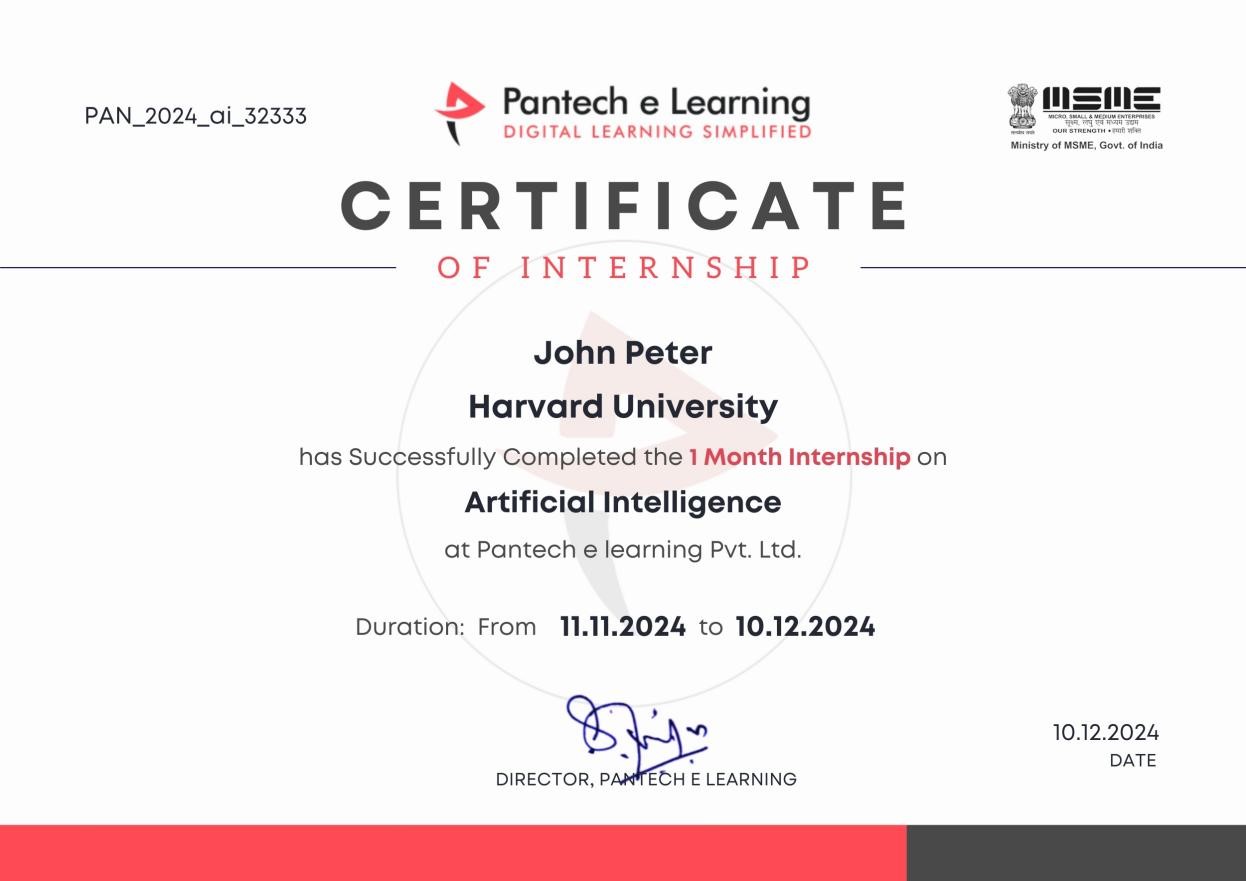
Let Your Certificates Speak

Certificate Preview
Shareable on LinkedIn
  • Certificates are globally recognized & they upgrade your programming profile.
  • Certificates are generated after the completion of course.

After this Course, You will be Able to

  • Grasp FPGA architecture and microcontroller workings for advanced understanding
  • Build circuits, ranging from basic LEDs to intricate, sensor-driven projects
  • Master the HDL IDE, enabling proficient coding for real-world applications
  • Utilize breadboards and electronic components with precision for efficient circuitry
  • Create groundbreaking solutions by integrating sensors and motors innovatively
  • Explore diverse projects, from basic LEDs to complex motion-activated systems

Where Our Students Work

Our alumni are driving innovation at the world's most prestigious technology companies.

Flipkart
Freshworks
Juspay
Chargebee
Zoho
PayPal

All You Need to Start this Course

💻
A computer with internet connection
🧠
Willingness to learn new concepts

This is the Course for You, If You are

🎓
Students looking to upskill
💼
Working Professionals
🚀
Career changers seeking a pivot

Learners Reviews

"
User
Aditi Sharma
The step by step approach from basics to real time FPGA projects made the concepts crystal clear. I especially loved the UART implementation—it gave me confidence to handle hardware communication protocols.
"
User
Rahul
This course bridges the gap between theory and practice. Programming the MAX10 FPGA board and controlling GPIOs gave me the kind of exposure that’s directly useful for internships and entry level roles in VLSI design.
"
User
Priya Nair
I came in with only basic digital electronics knowledge. The way Verilog was introduced and gradually applied to sequential circuits and FSMs was perfect. By the end, I could write and test my own HDL codes on Quartus.

Still Having Doubts?

1. Do I need prior experience?

No prior experience is required for foundational modules. Advanced topics may recommend basic knowledge in programming or data handling.

2. What if I face technical issues?

You can reach our support team at training@pantechelearning.com or call +91 89255 334 88 / 89.

3. What will I learn in this course?

You’ll cover: Power BI basics and interface navigation Data modeling and transformation Building interactive dashboards and reports Advanced analytics and visualization techniques Real-world business intelligence applications

4. How long is the course?

The program includes 3 structured modules, designed to be completed at your own pace, typically within 90 days.

5. Will I get a certificate?

Yes, upon completion you’ll receive a verified certification from Pantech eLearning, which can be shared on LinkedIn and with employers.

6. What is the course fee?

The Business Intelligence and Reporting using Power BI course is available for ₹1,499, inclusive of all modules and certification.

7. Is there any project work included?

Yes, you’ll apply your skills in a guided BI project, such as creating a business dashboard or analytics report, to reinforce concepts and demonstrate practical learning outcomes.

8. Can I access the course materials anytime?

Absolutely. Once enrolled, you’ll have lifetime access to the course videos, notes, and resources.

Pantech AI Assistant
Hi Welcome to Pantech. How can I help you today?